Paperstack
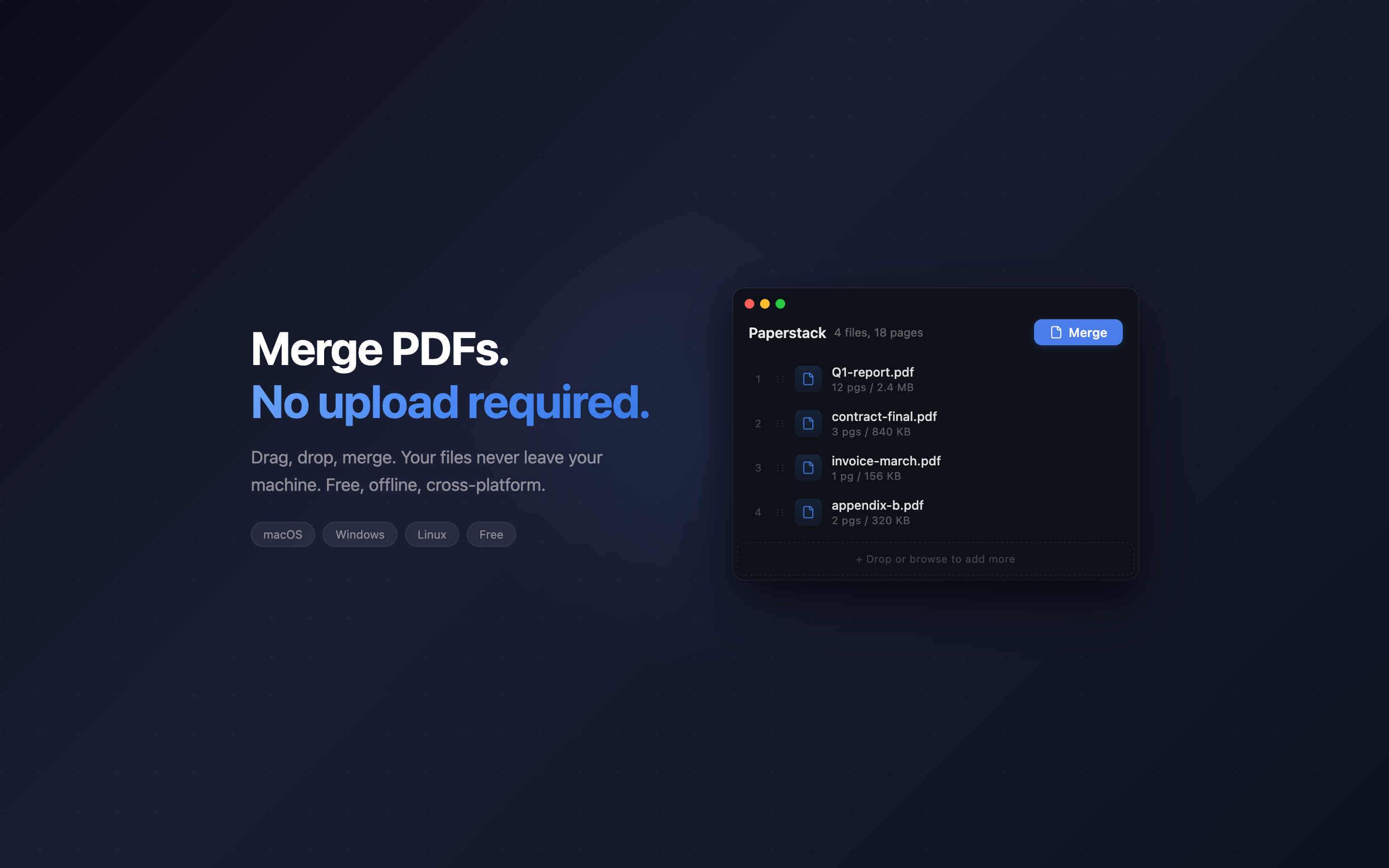
Merge PDFs on your desktop. No upload, no account, no nonsense.
macOSWindowsLinux Free
Features
- Drag and drop — drop PDF files into the window. That's it.
- Reorder — drag files up and down to set the merge order.
- Fully offline — your files never leave your machine. Zero network requests.
- Lightweight — ~3MB binary. No Electron, no browser engine bundled.
- Cross-platform — runs on macOS, Windows, and Linux.
- No limits — no watermarks, no file size caps, no "upgrade to pro."
How It Works
- Drop PDF files into the window
- Drag to reorder if needed
- Click Merge
- Choose where to save
No signup. No upload. Everything happens on your computer.
FAQ
Why not use an online PDF merger?
Online tools upload your files to a server you don't control. Tax documents, contracts, medical records — those shouldn't be on someone else's server just to combine pages. Paperstack processes everything locally.
Is it really free?
Yes. Free, no ads, no account, no usage limits. Open a PDF, merge it, done.
What about splitting or extracting pages?
Not yet. Paperstack does one thing well: merge. Split and extract may come later.
How is it so small?
Built with Tauri, which uses the OS native webview instead of bundling Chromium. The result is a ~3MB app instead of a 150MB Electron app.
What systems are supported?
macOS 10.15+ (Apple Silicon and Intel), Windows 10+, and Linux (.deb package).