Aside
A floating text editor for AI coding
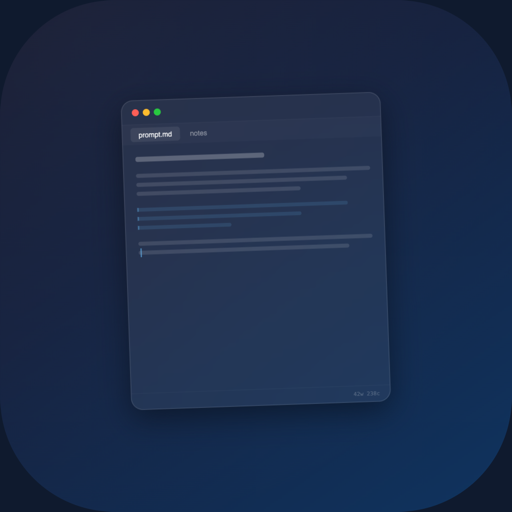
Copy output from Claude Code, edit it, paste it back. No window switching.
Demo
Features
- Always on top — floating panel stays above every window. Code in your terminal, edit in Aside.
- Global hotkey — toggle with Cmd+Shift+A from anywhere. No mousing to the Dock.
- Multiple tabs — keep separate buffers for different snippets. Pin the ones you need.
- Markdown highlighting — syntax-highlighted editing for markdown, the lingua franca of AI output.
- Find in buffer — Cmd+F search across your current tab.
- Persistent tabs — everything survives app restarts. Your buffers are always there.
- Menu bar utility — lives in the menu bar, not the Dock. Zero visual clutter.
- Dark theme — minimal chrome, dark by default. Built for late-night coding.
- Launch at login — start automatically so it's ready when you are.
- Adjustable font size — Cmd+/- to scale text up or down. Cmd+0 to reset.
- Word/character/line count — status bar shows buffer stats at a glance.
Why Aside
AI coding tools output a lot of text. Claude Code gives you a code block, Cursor suggests a refactor, Copilot generates a function. You need somewhere to put that text while you think about it, edit it, and paste it back.
A full text editor is too heavy. A sticky note app loses your work. Aside is the middle ground: a floating scratch buffer that stays on top of your terminal, persists across restarts, and gets out of the way with a single hotkey.
It works with any AI coding tool — Claude Code, Cursor, GitHub Copilot, Aider, OpenCode — or just as a general-purpose floating notepad.
Keyboard Shortcuts
| Shortcut | Action |
|---|---|
| Cmd+Shift+A | Toggle panel (global) |
| Cmd+N / Cmd+T | New tab |
| Cmd+W | Close tab |
| Cmd+Shift+[ / ] | Previous / next tab |
| Cmd+1-9 | Switch to tab |
| Cmd+F | Find in buffer |
| Cmd+= / Cmd+- | Font size up / down |
| Cmd+0 | Reset font size |
| Cmd+, | Settings |
| Escape | Hide panel |
Privacy
Aside stores all data locally on your Mac. No analytics, no tracking, no network requests. Full privacy policy.
Requirements
- macOS 15 (Sequoia) or later
- Apple Silicon or Intel
FAQ
Is there a free trial?
No, but it's $4.99 once. No subscription.
Does it work with Cursor / Copilot / other AI tools?
Yes. Aside is a general-purpose floating text editor. It works alongside any app — AI coding tools, terminals, browsers, whatever you need.
Can I use it as a regular notepad?
Absolutely. Aside is useful anytime you want a floating scratch buffer that persists and stays on top.
Why not just use a text editor?
Text editors live behind your other windows. Aside floats on top and toggles with a single hotkey. It's designed to be a companion to your main workspace, not a replacement.